OpenFX effect
Add Posting Preview to an Adjustment Clip and control it from Resolve’s Inspector.

 Free tool for DaVinci Resolve
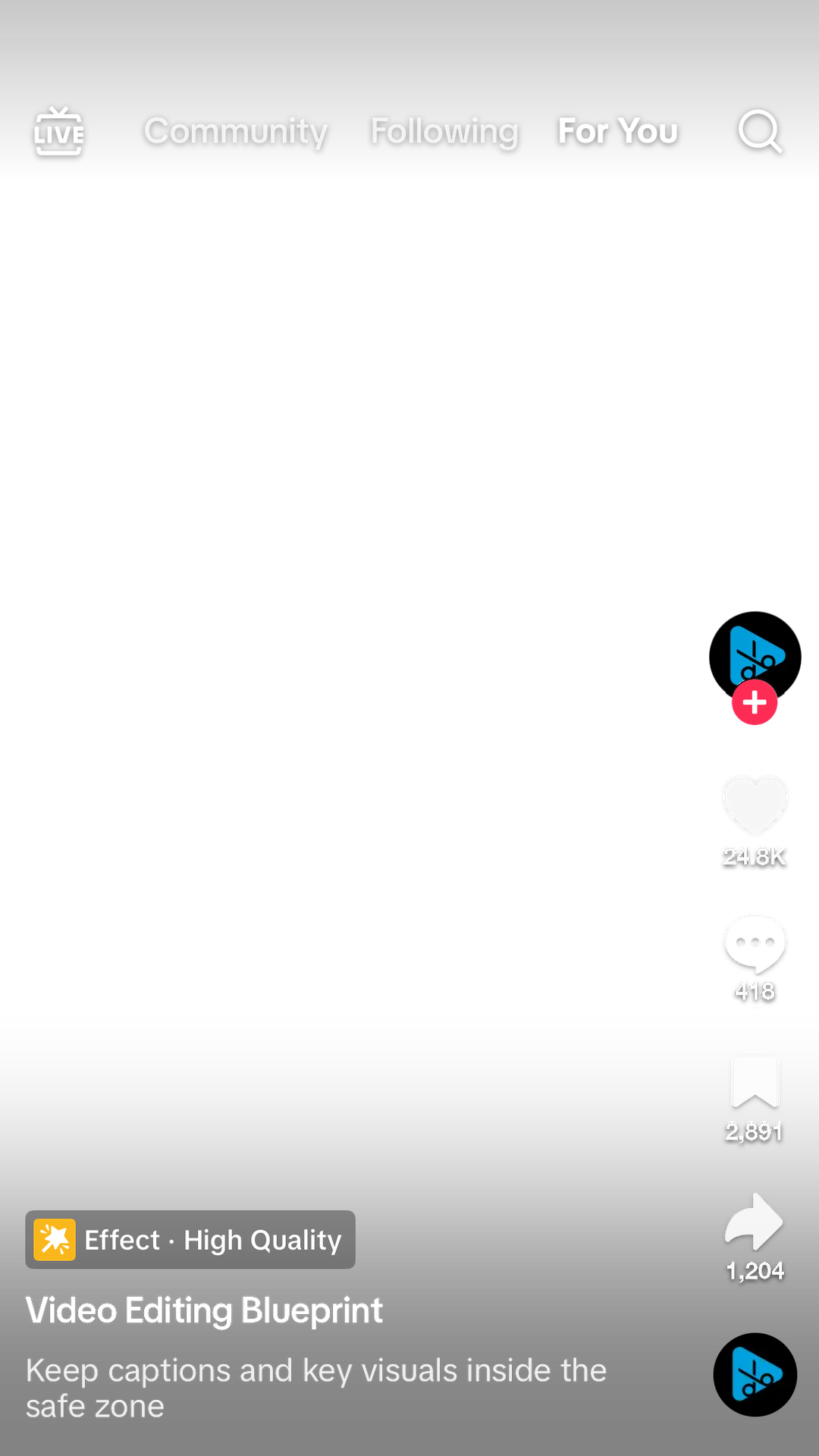
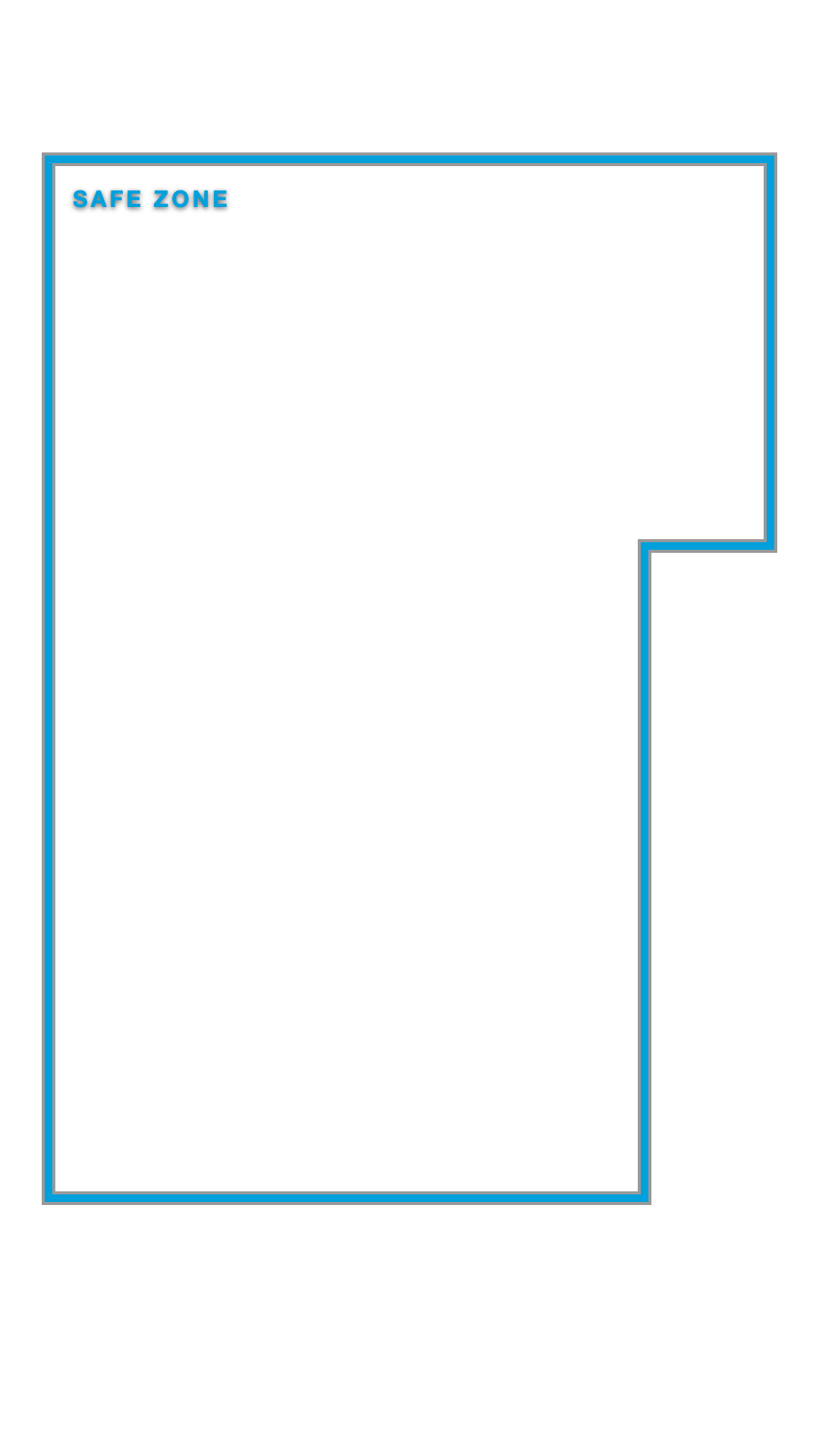
Put the real TikTok, Instagram Reels, YouTube Shorts, or Facebook Reels interface over your edit. See what each app covers before you export.
Free. No card. Opens in DaVinci Resolve.

One free download
Everyone gets the OpenFX effect. Resolve Studio users also get the workflow panel. Both are included for free.
Add Posting Preview to an Adjustment Clip and control it from Resolve’s Inspector.
Preview the playhead frame, switch platforms, apply, and remove from one window.
Free in three steps
Tell me where to send the download.
Choose the version for your computer.
Apply the effect or use the Studio panel.
Questions
Yes. Resolve Free and Studio both get the OpenFX effect. Resolve Studio also gets the workflow panel.
Yes. The download includes installers for both.
DaVinci Resolve 19.1 or newer.
No. It adds a removable preview over your edit. The Studio panel works on its own named track and removes only what Posting Preview created.
Only if you leave it enabled. Posting Preview makes it obvious and quick to remove or disable the preview before exporting.
Free Posting Preview
Check every platform’s interface before you export, then move anything the app would cover.